






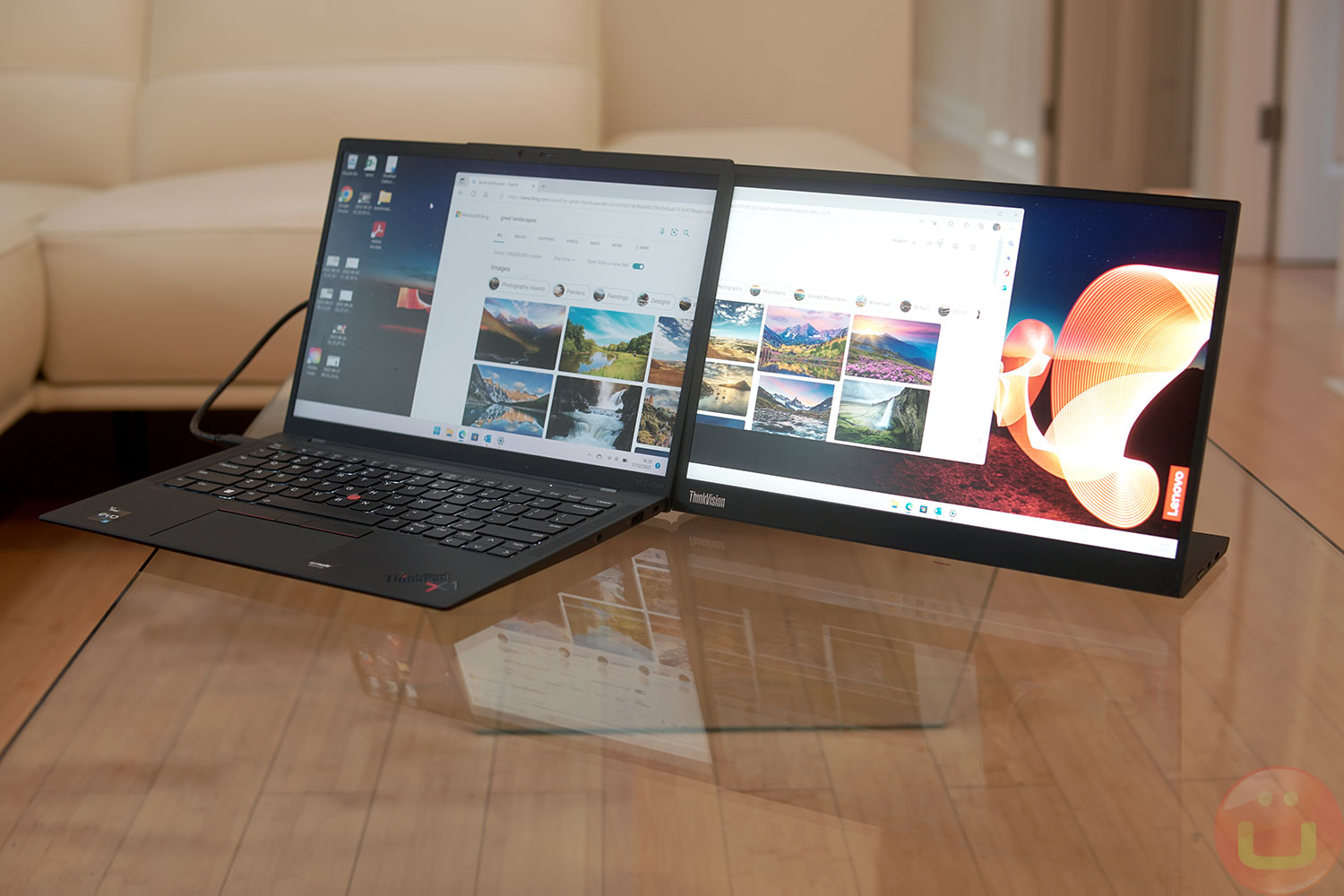
Lenovo ThinkVision M14d — is the successor (or variant?) to the original ThinkVision M14, which we reviewed previously. It's a 14-inch, high-resolution portable monitor that requires only one port. USB-C both for image transmission and for power supply.
The new monitor retails for $500 (MSRP), significantly higher than the $249 its predecessor launched at. Let's take a look at the specs and our personal testing results before you decide if Lenovo got the price right.
Industrial design
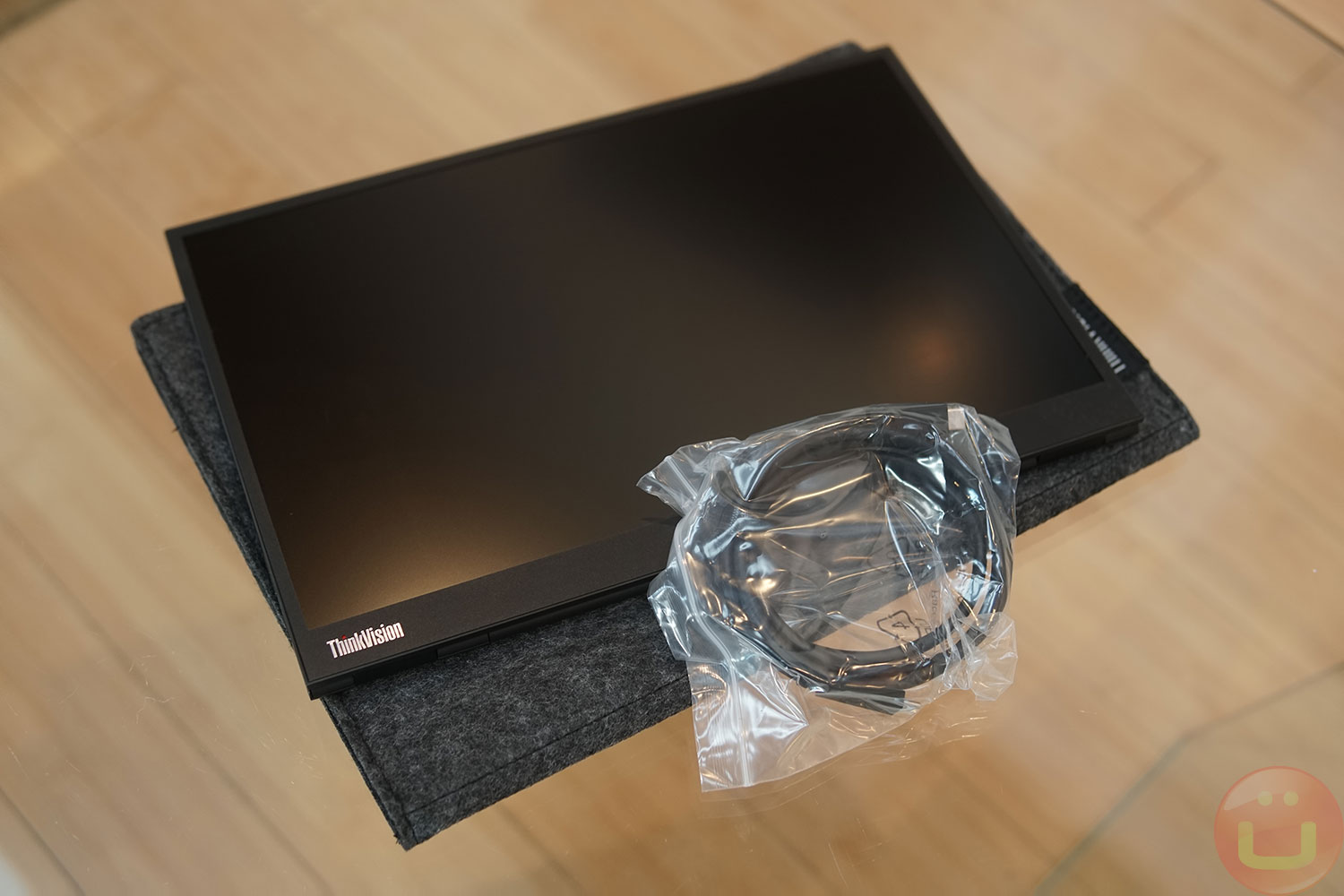
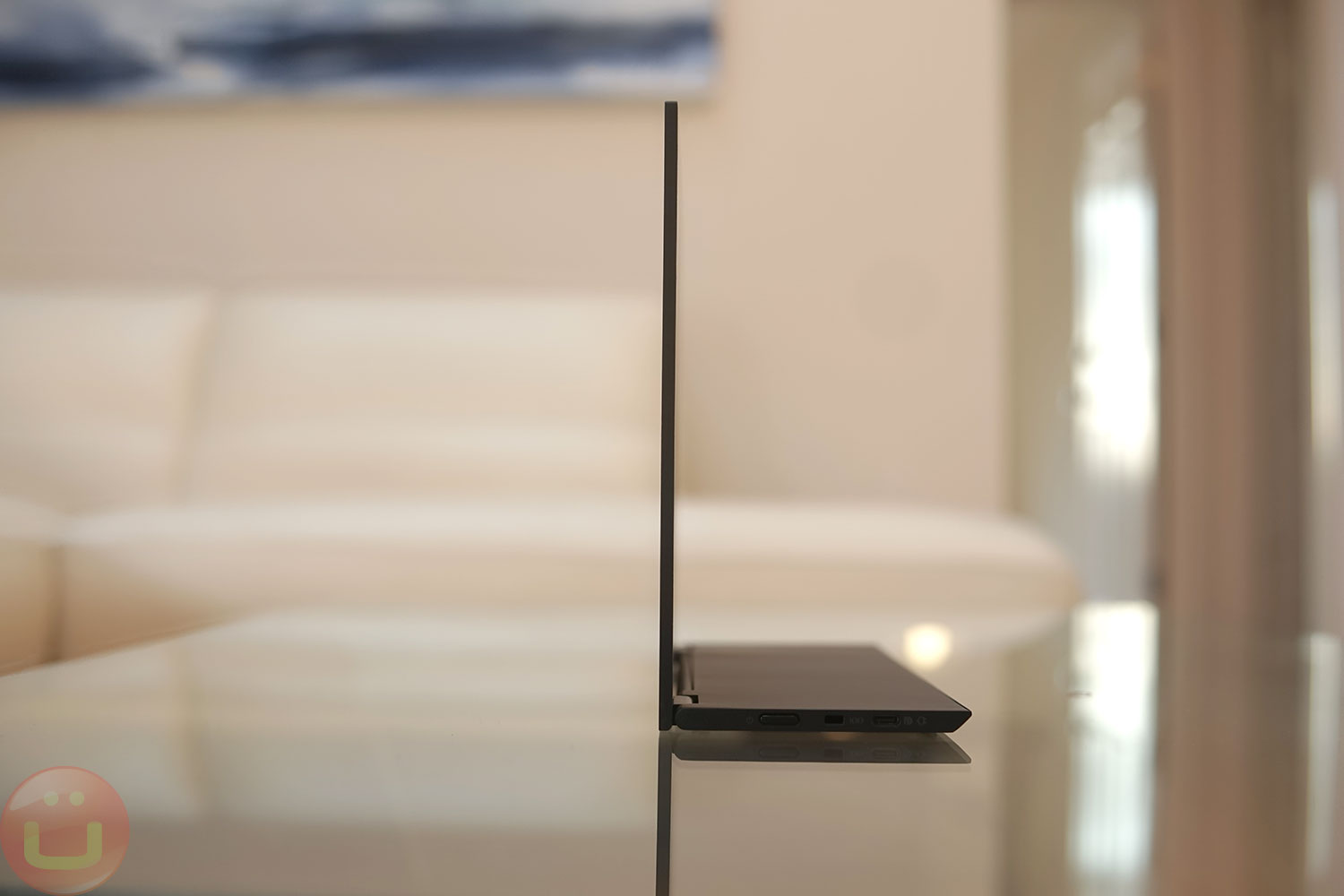
Lenovo has retained the generally successful design of the original ThinkVision M14, and from a distance, they look strikingly similar. The new model is slightly heavier—1.3 pounds (versus 1.26 pounds), but you won't notice the difference. I only noticed it when looking at the specs.
The new M14d has aspect ratio 16:10 Instead of 16:9, which matches new Lenovo laptops that have also switched to this technology. The 16:10 aspect ratio provides slightly more vertical space, which is better for working and looks better if the external display matches the laptop's aspect ratio.
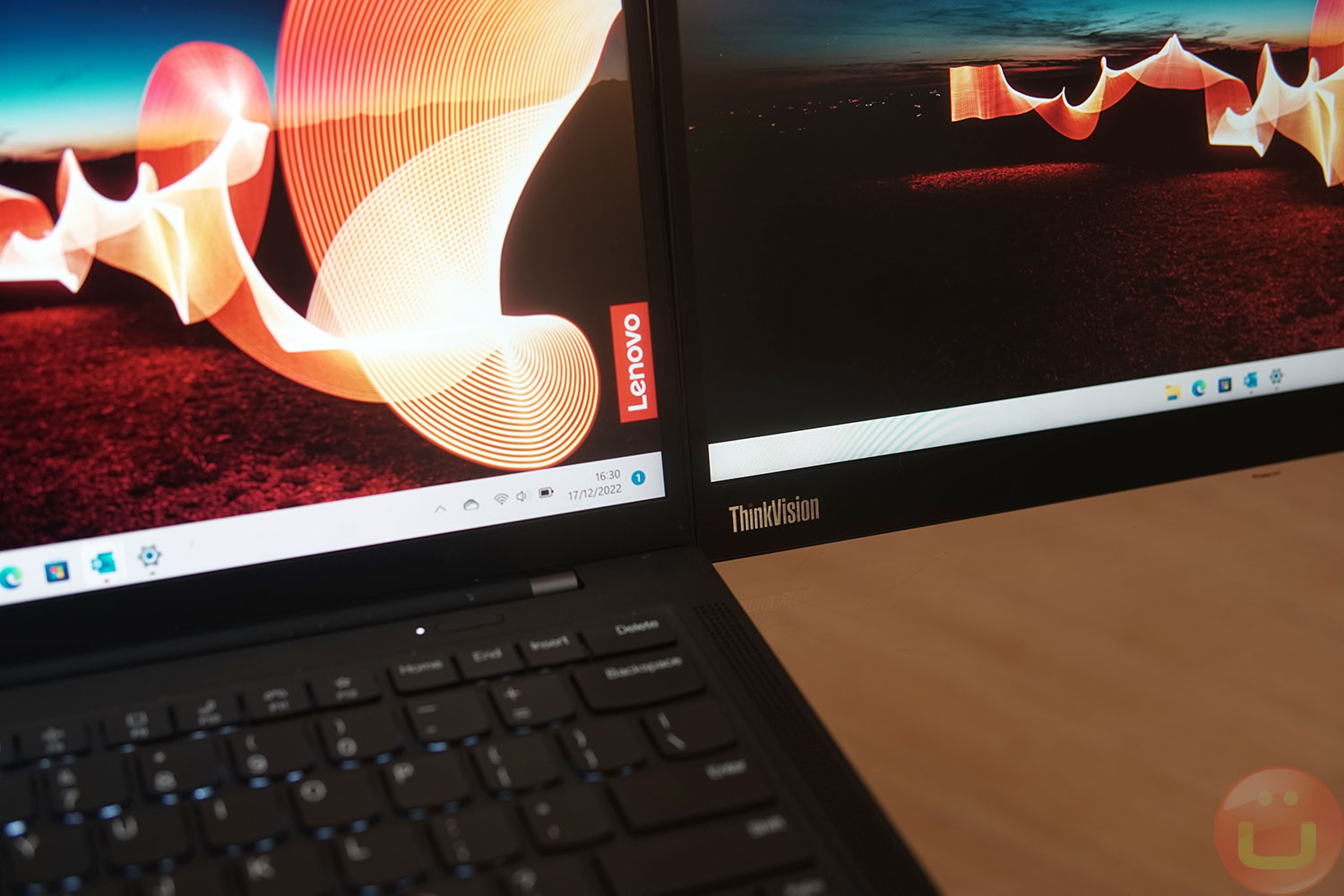
The monitor can be placed horizontally on a table or tilted at a 90-degree angle, allowing it to be used as a standard display, a low-mounted reference monitor, or even a VESA-mountable screen. It also features a foldable stand, allowing you to slightly increase the monitor's height if needed.

These days, I always take a couple of laptops and an external monitor with me when I travel. It's simply difficult to do complex editing or programming on a 14- or 15.6-inch laptop monitor, and having an additional monitor significantly increases productivity. The downside is that it needs to be transported, so the lightweight design is incredibly useful. Luckily, Lenovo included a protective case.
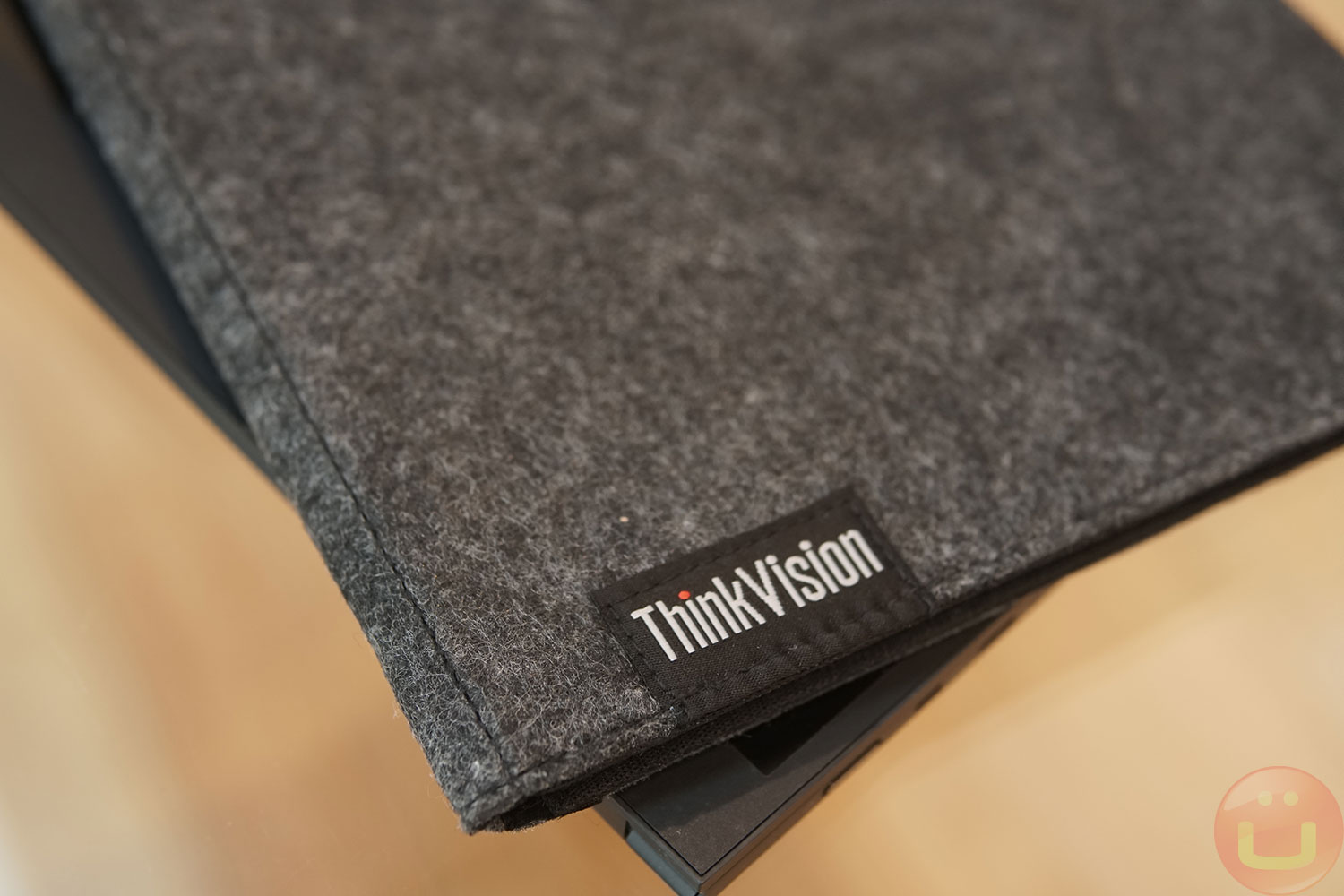
I'm currently concerned about transporting the device in a suitcase. However, it's theoretically possible, as it doesn't have a built-in battery, and airlines probably won't object to you carrying it in checked baggage. My concern is that the display might become too warped if handled roughly during air travel.
It is compatible with fastening VESA 100 , although you may need to use shorter screws since this display is much thinner than a typical flat-panel desktop monitor. I tried mounting it on a VESA mount, and that worked well too.
- Dimensions : 314.35 x 215.28 x 14.05 mm
- Visible area : 301.52 x 188.45 mm
Ports and interface
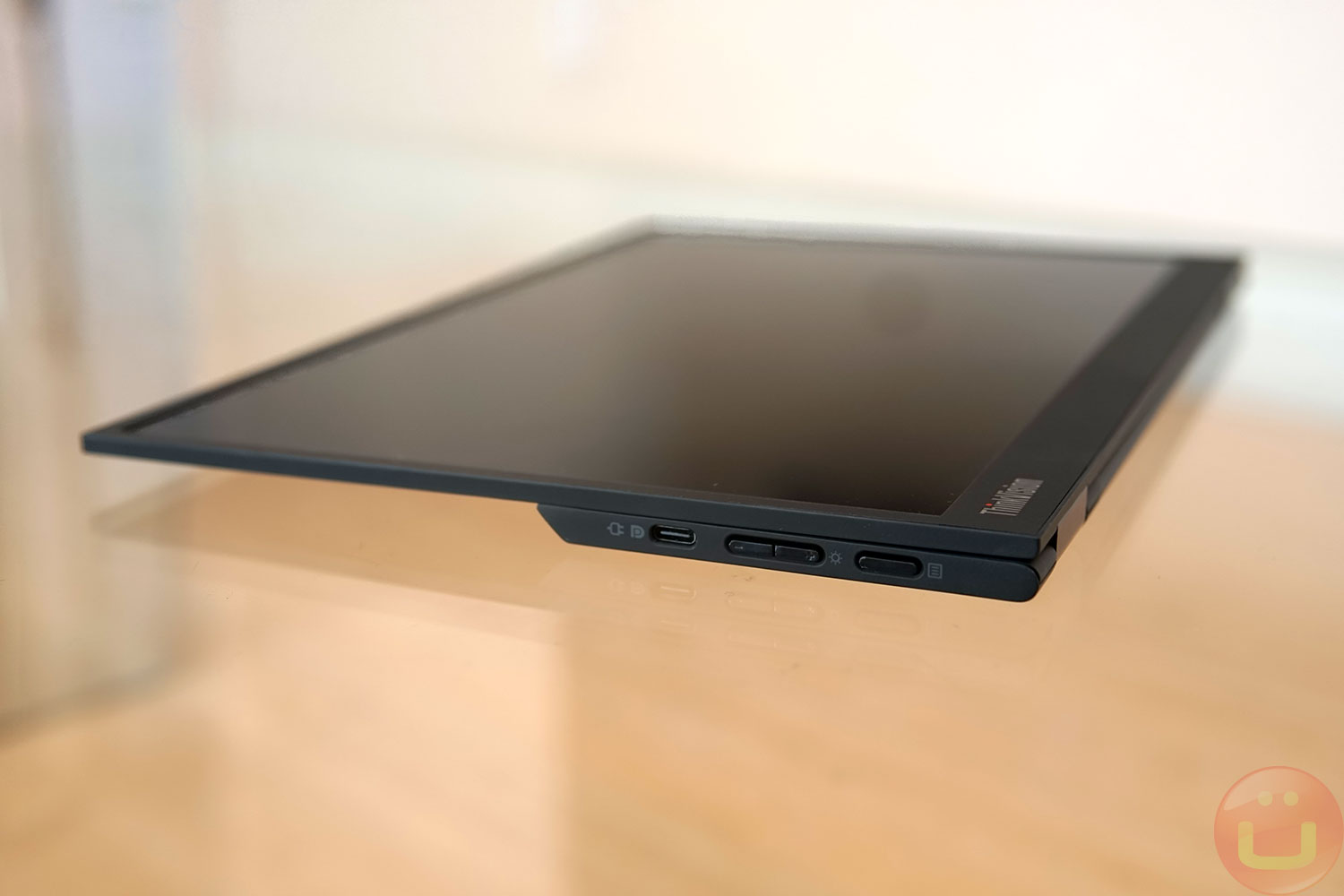
The monitor stand has two USB-C ports, one on each side. They support video transmission in DP 1.2 Alt Mode and data transfer using USB 2.0. The monitor also functions as a USB hub and features USB PD power pass-through.
If your laptop only has one USB-C port, you can still connect a monitor to the computer and a peripheral device to the USB-C port of a second monitor. Ideally, a laptop should have two USB-C ports, one of which is dedicated to power.
The monitor's USB-C port can be used to connect a power source (up to 65W) to charge a laptop. Peripherals (USB hub, keyboard, mouse, etc.) can also be connected to the USB-C port. Please note that USB devices connected to the monitor must consume less than 2.5W (5V/0.5A) according to the USB 2.0 standard.
A switch is provided to adjust the display's brightness, and for physical security, a Kensington lock is available if you want to secure the monitor to a desk.
Without a computer
If you connect the monitor to a USB-C power source (5V/1.5A), the second USB-C port can be used to connect a phone, game console, or other compatible devices to the monitor (=USB-C DP Alt-mode). We demonstrated this in our previous ThinkVision M14 review, and nothing has changed in this regard.
Minimum supported resolution is 640×480 (60/70 Hz), maximum - 2240×1440 (60 Hz) . Almost all standard resolutions in between are supported, but to be absolutely sure, it is recommended to download the user manual from the Lenovo website (PDF).
When using this monitor, I thought Lenovo should have added some electronics to allow for mirror mode, as the ThinkVision M14d is sized to fit many teleprompters.
The only thing missing is a mirror mode that would flip the image horizontally, making the text readable when viewed through the teleprompter's mirror. Mac OS has this mode, so Mac users can get by without it, but Windows users would find it useful.
Lenovo could add this simple feature and eventually conquer the teleprompter display market, because teleprompter displays are usually unimpressive in terms of image quality, design and features.
Display quality
The image quality is excellent: maximum the brightness is 300 nits , A sRGB color space coverage is almost 100% . To achieve this level of image quality for portable monitors It's difficult, and it's not uncommon to find competitors whose sRGB coverage barely reaches 65%.
Resolution 2240×1400 A significant improvement over the previous 1080p resolution, this pixel density makes text smoother, and everything looks more pleasing if your vision allows you to discern such details.
This monitor is ideal for a wide range of tasks, including programming, web development, and semi-professional creative work, photography, and videography.
Conclusion
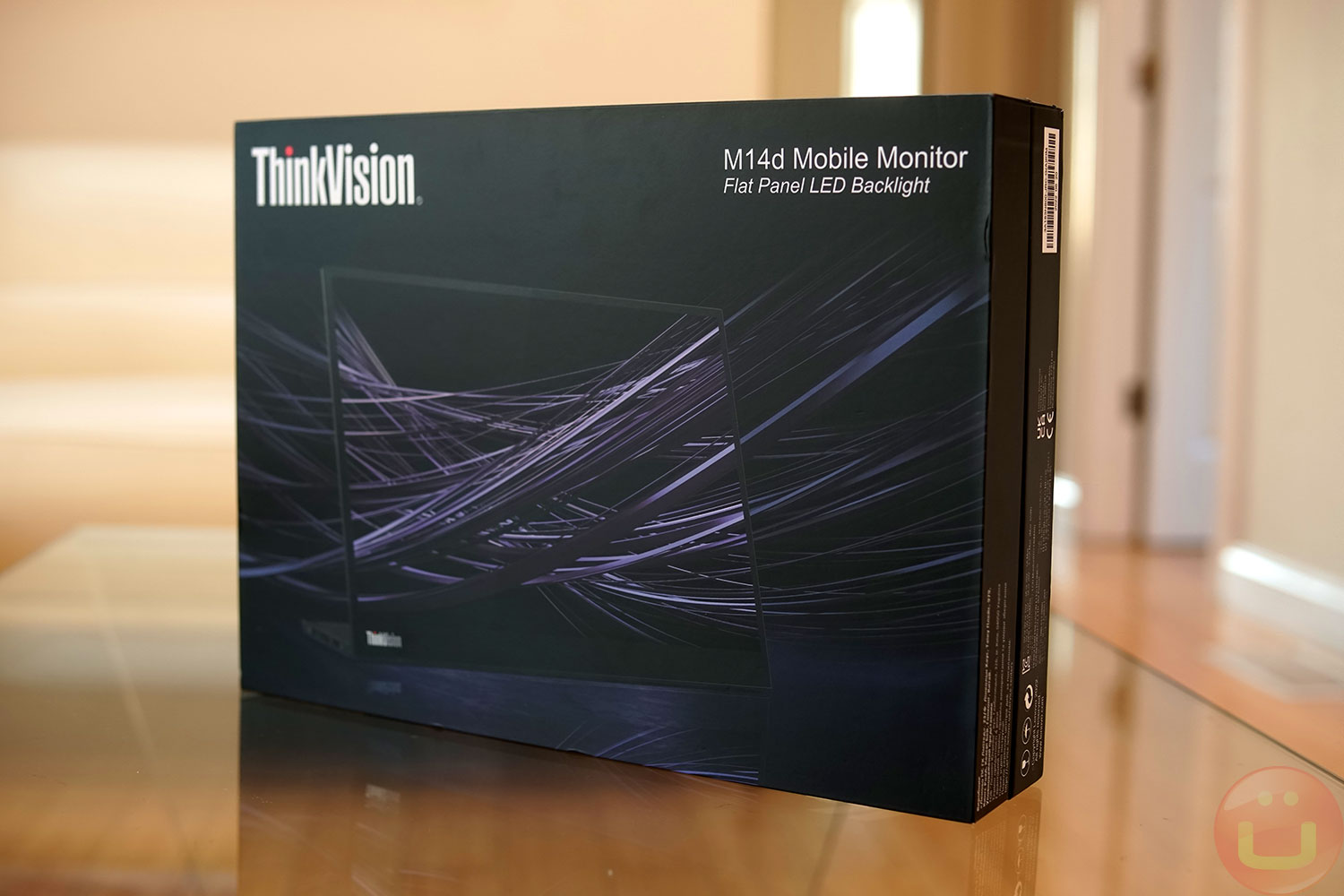
There is no doubt that Lenovo ThinkVision M14d (official page) is an excellent portable monitor. It's incredibly mobile and lightweight, yet still suitable for professional work and can be mounted according to the VESA standard.
Thanks to its high image quality, this is one of the best options for professionals. The 2.2K resolution is noticeably more comfortable for the eyes when working with small text or finely detailed graphics.
But the price at $499 , is certainly a hurdle, especially considering its predecessor can be had for $250 or less. I think Lenovo understands this, and I've found that this monitor has often been sold directly on Lenovo.com for much less.
If the price seems too high, check the actual retail price of this monitor, and you might be pleasantly surprised. If you need something a little larger, I also tried the ThinkVision M15 because I like the 15.6-inch size. I hope the 17-inch ThinkVision comes out soon!
High performance
- High resolution 2.2K, aspect ratio 16:10
- Excellent image quality
- Easy connection via USB-C
Low performance
- Too expensive for consumers
- There are no built-in mini-HDMI or mini-DP ports.
Rating + Price
- Rating : 9,1/10
- Price : ~500 dollars.